MD500-OYM Horizontal Balancing Machine
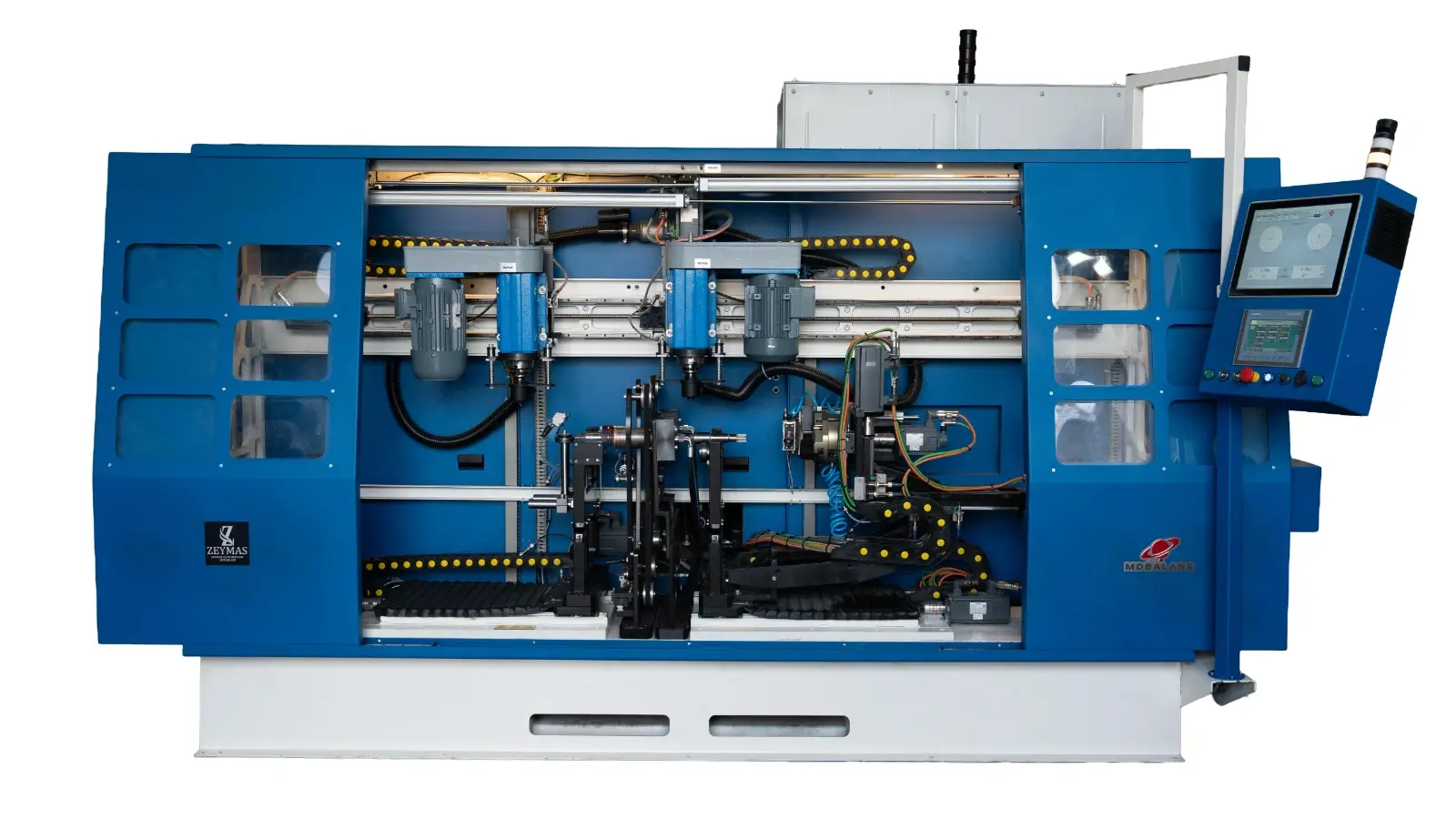
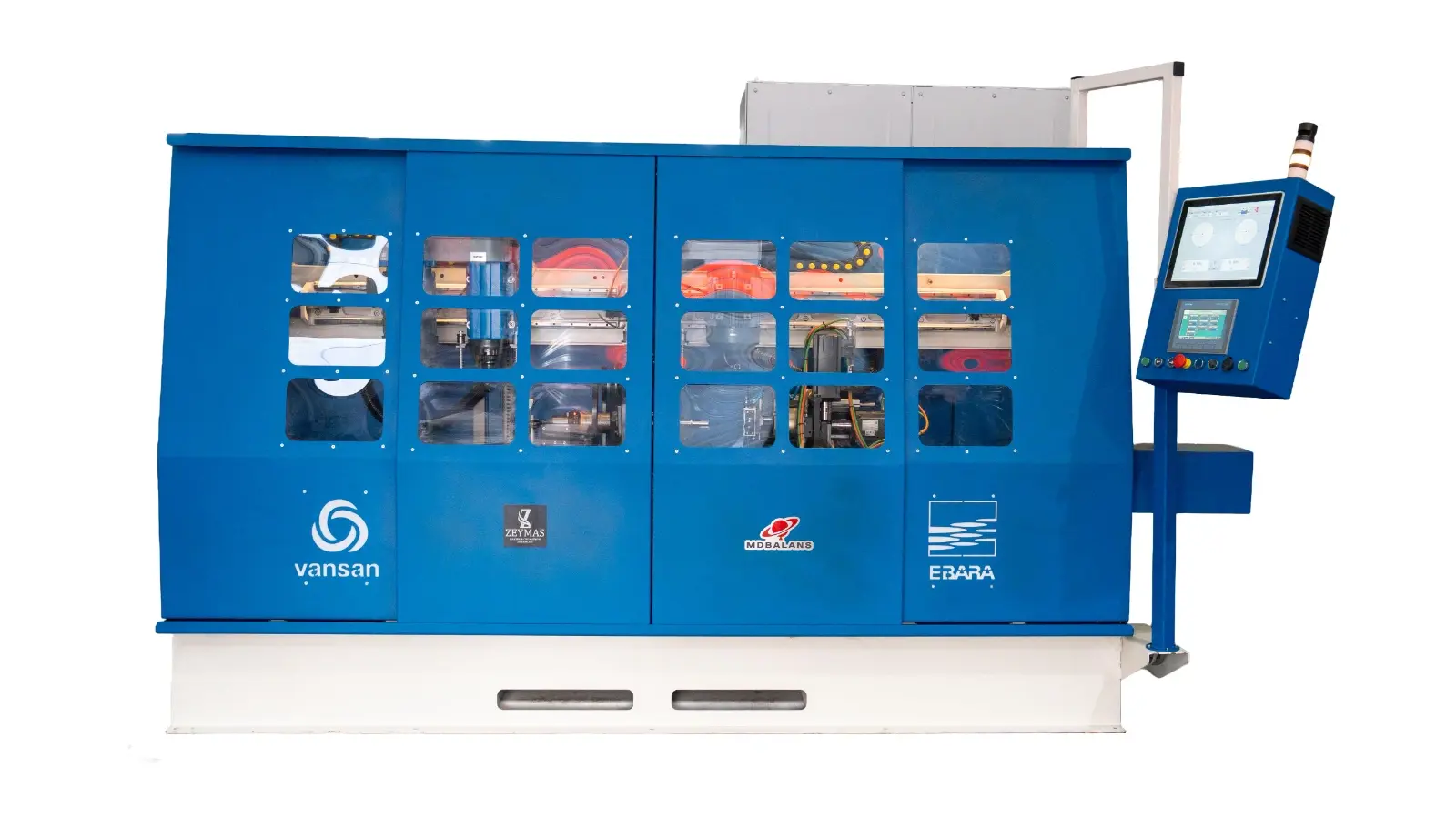
The MD500-OYM is a belt-driven, 10-axis horizontal balancing machine. This type of machine is recommended for balancing cylindrical rotors. It is capable of balancing both static and dynamic components.
Thanks to its automatic balancing function, the system automatically calculates drilling position and depth via the drilling unit and brings the imbalance value within tolerance limits.
1. Measuring Unit
Rigid pedestal structure
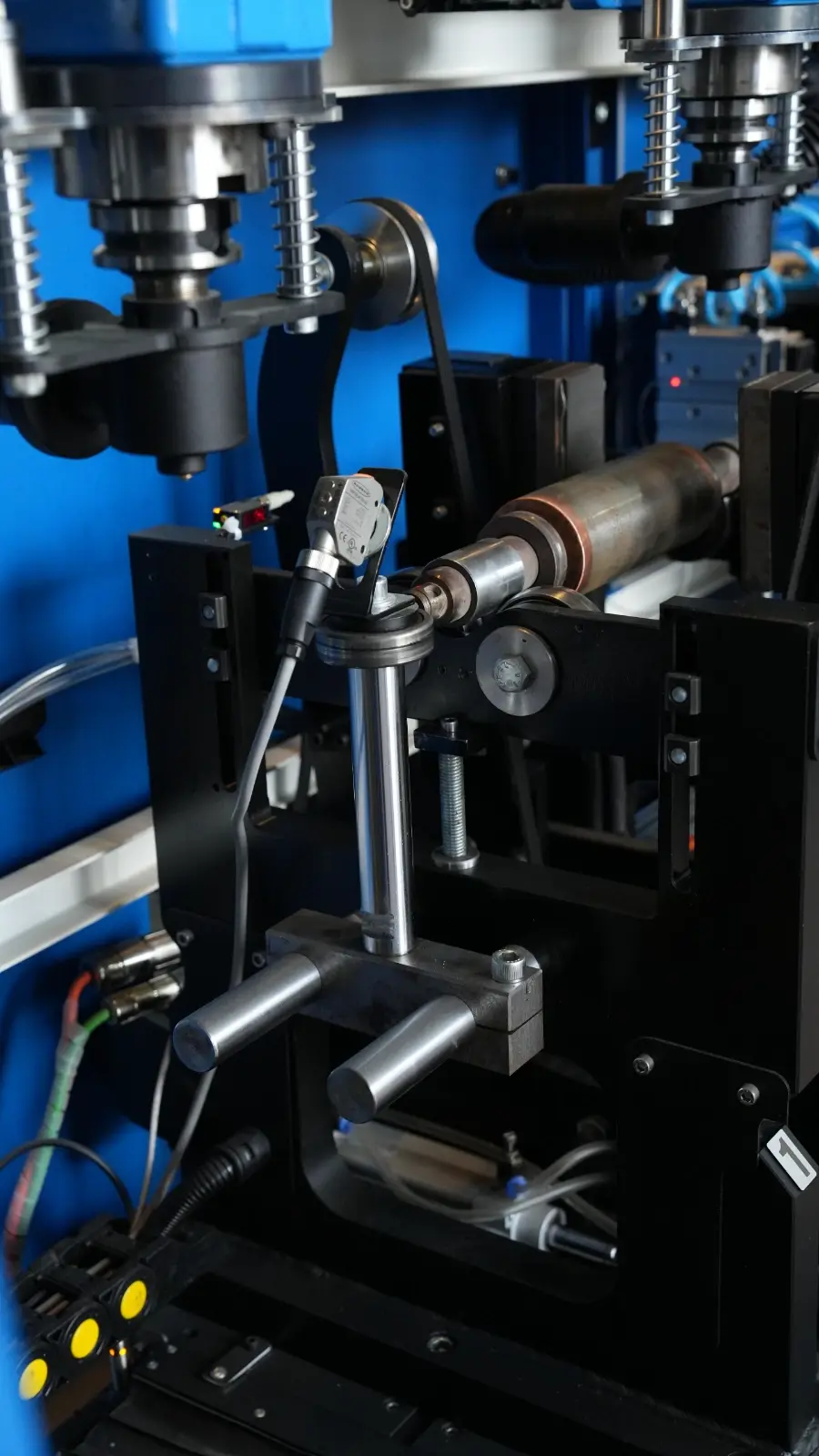
Fixed servo-controlled belt drive
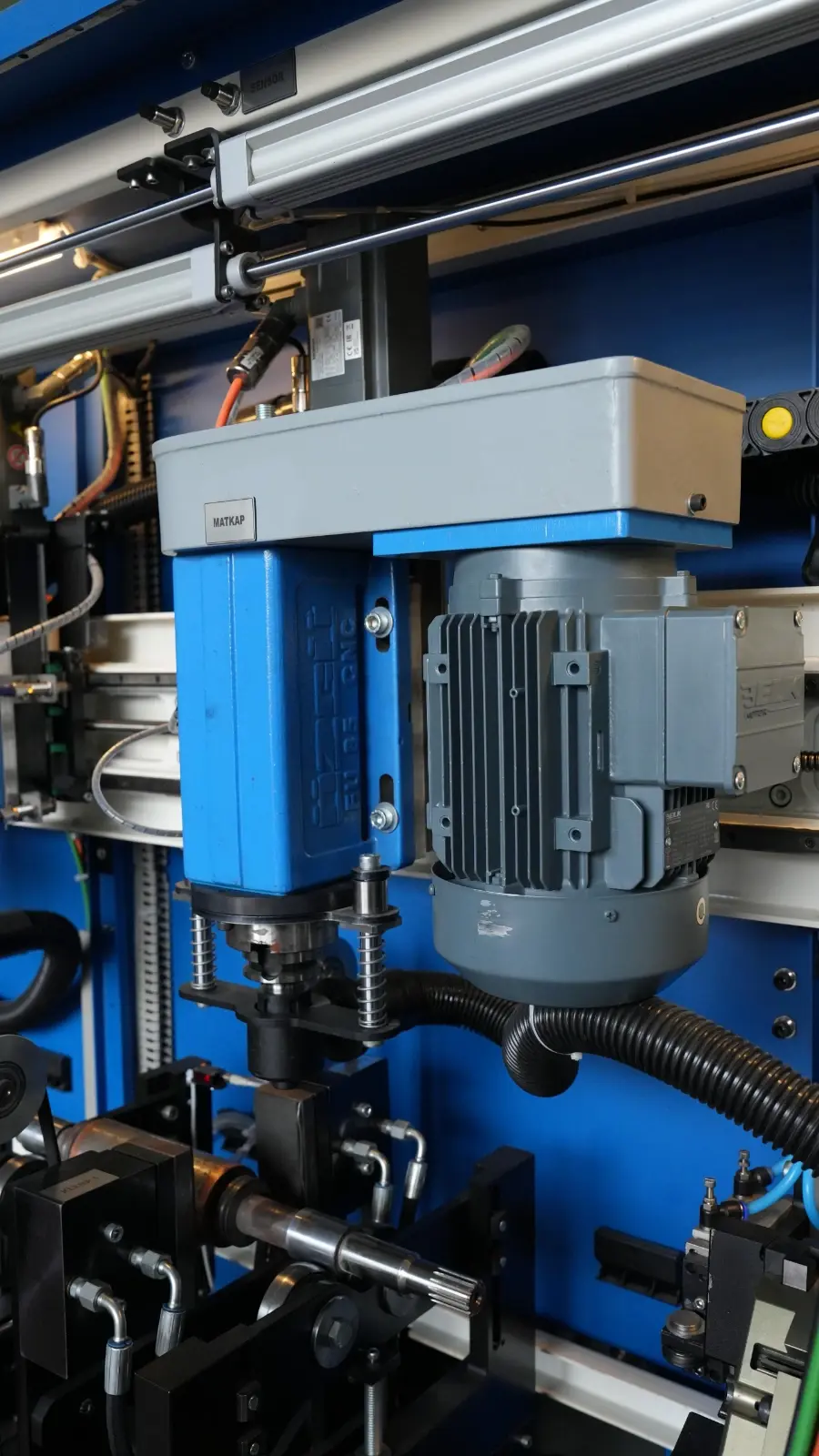
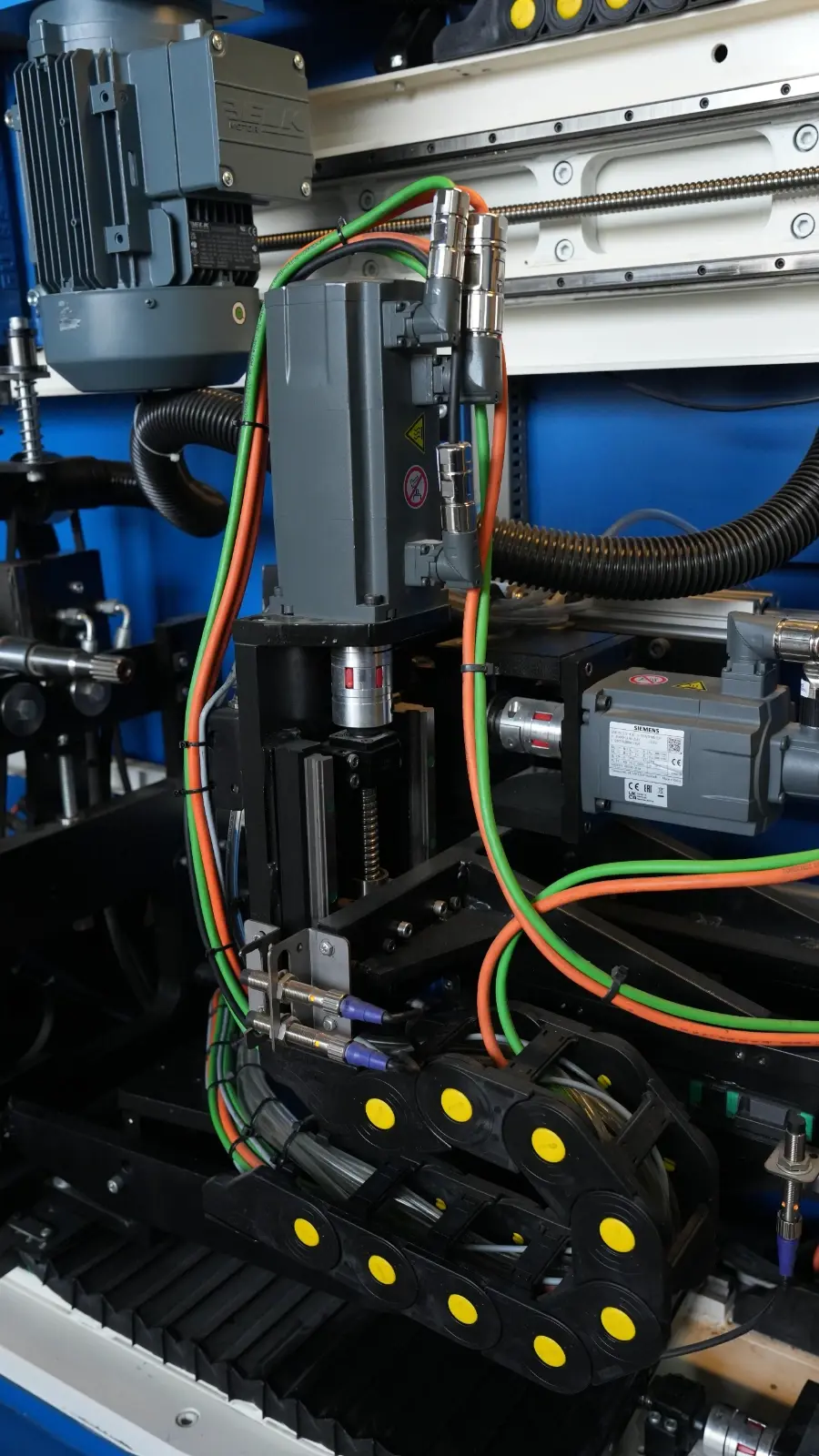
2. Drilling System
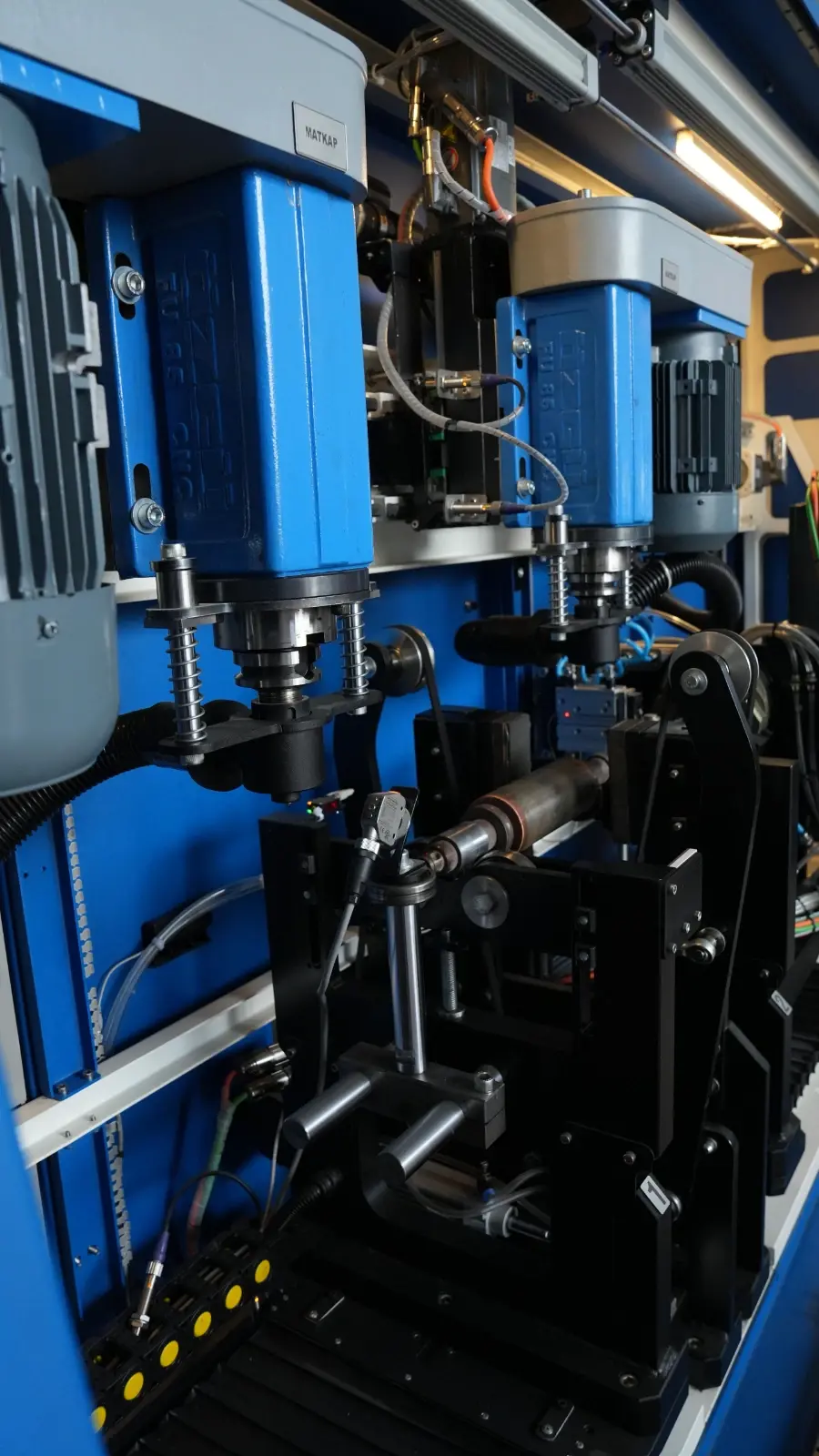
2 independent drilling units, 2.2 kW each
Servo-controlled Z–X axes, independently movable
Capable of 12 mm drilling
Milling attachment compatible
Equipped with dust extraction adapter
3. Dust Extraction System
3 kW blower system
Collects chips in a dedicated container
Portable and movable structure
4. Hydraulic System
During drilling/milling, the rotor is locked using two jaw pistons
5. Safety Cage System
Automatic open/close via linear guides and piston system
PILZ safety system: the machine will not operate if the cover is open
Switch-controlled cover closed detection
Technical Specifications
Drive Type: Belt-driven
Maximum Capacity: 500 kg
Minimum Capacity: 2 kg
Max Rotor Diameter (on plane): 350 mm
Min Rotor Diameter (on plane): 50 mm
Number of Planes: 2 rigid supports – 2 servo-controlled
Balancing Accuracy: 95%
Minimum Residual Unbalance: ISO 21940 balance quality grade (G classes)
Power Supply: 400 V, 50 Hz, 3 Phase
Drive Motor Power: 1 kW
Maximum Speed: 1400 rpm
Minimum Speed: 200 rpm
Air Pressure: 6 bar
Measurement Time: 60 sec
Safety System: Automatic cover with safety switch
Part Loading/Unloading: Manual (operator-assisted)
Operating System: Microsoft Windows
Display: 15” industrial touchscreen
Remote Technical Support: TeamViewer / AnyDesk
Memory: 256 GB SSD
User Levels: Operator, Supervisor, Admin
Communication Interfaces: Ethernet, Wi-Fi, USB
Balancing Units: g·mm – g·cm – g
Electronic Compensation: Weight control
Adapter Compensation: Adapter imbalance can be zeroed
Rotor Database: Fast search and data storage
Measurement Display: Digital / Polar
Factory Rotor Calibration: Balancing performed by entering rotor dimensions
Standard Calibration: Manual calibration using reference weight
Report Printing: Final balance values exported in Excel format (USB supported)
Automatic Backup: All measurement results are saved automatically
Balance Quality Parameter
The MDBalans balancing software includes a permanent residual unbalance calculation module compliant with ISO 21940.
The appropriate balance quality grade (G) for your rotor can be easily selected using the explanations provided in the software tabs.
Tolerance values are calculated automatically.
Reporting
The balancing machine software automatically records all balancing operations in Excel format.
Both the initial imbalance value and the final balanced value are stored automatically.
Excel files can be copied via USB.
Operation Steps
When doors are open and the system is ready, a part loading signal is sent to the robot.
The robot loads the part, sends a “loaded” signal, and moves to the safe zone.
Safety doors close.
Rotor clamping jaws center and secure the rotor.
Measurement starts, imbalance values are read, and the system stops.
The rotor is positioned under the drill; hydraulic clamps lock the rotor, and milling/drilling is performed.
All machine components return to the safe zone.
Final measurement is performed. If the imbalance is within tolerance, the robot receives the unload signal and doors open.
The robot removes the part, sends the unload confirmation, and the balancing machine returns to ready position.
Calibration
Calibration is performed using a master (reference) part and certified calibration weights (the master part will be the customer’s part).
Once gram calibration is completed for a selected part, recalibration is not required unless a model change (different part) is performed.
For different rotor models, calibration is required to ensure precise and accurate measurements.
Occupational Safety
The closed safety cage system prevents operator contact with rotating parts.
Occupational safety is controlled via PILZ safety relays and switches.
Emergency stop buttons and door systems comply with occupational safety standards.
User Authorization Control: Admin – Supervisor – Operator passwords are defined on the automation screen; critical interventions are restricted to authorized users.
MES Data Integration (Optional)
The balancing machine automation system includes ready infrastructure for customers to extract required data into their own MES systems.
The automation system is based on SIEMENS PLC.
All relevant machine data is stored in a predefined datablock and updated after each production cycle.
The customer’s MES system can read this datablock, store the data on its own server, and analyze it.
As shown in the machine interface, operational data is shared with the MES system.

